
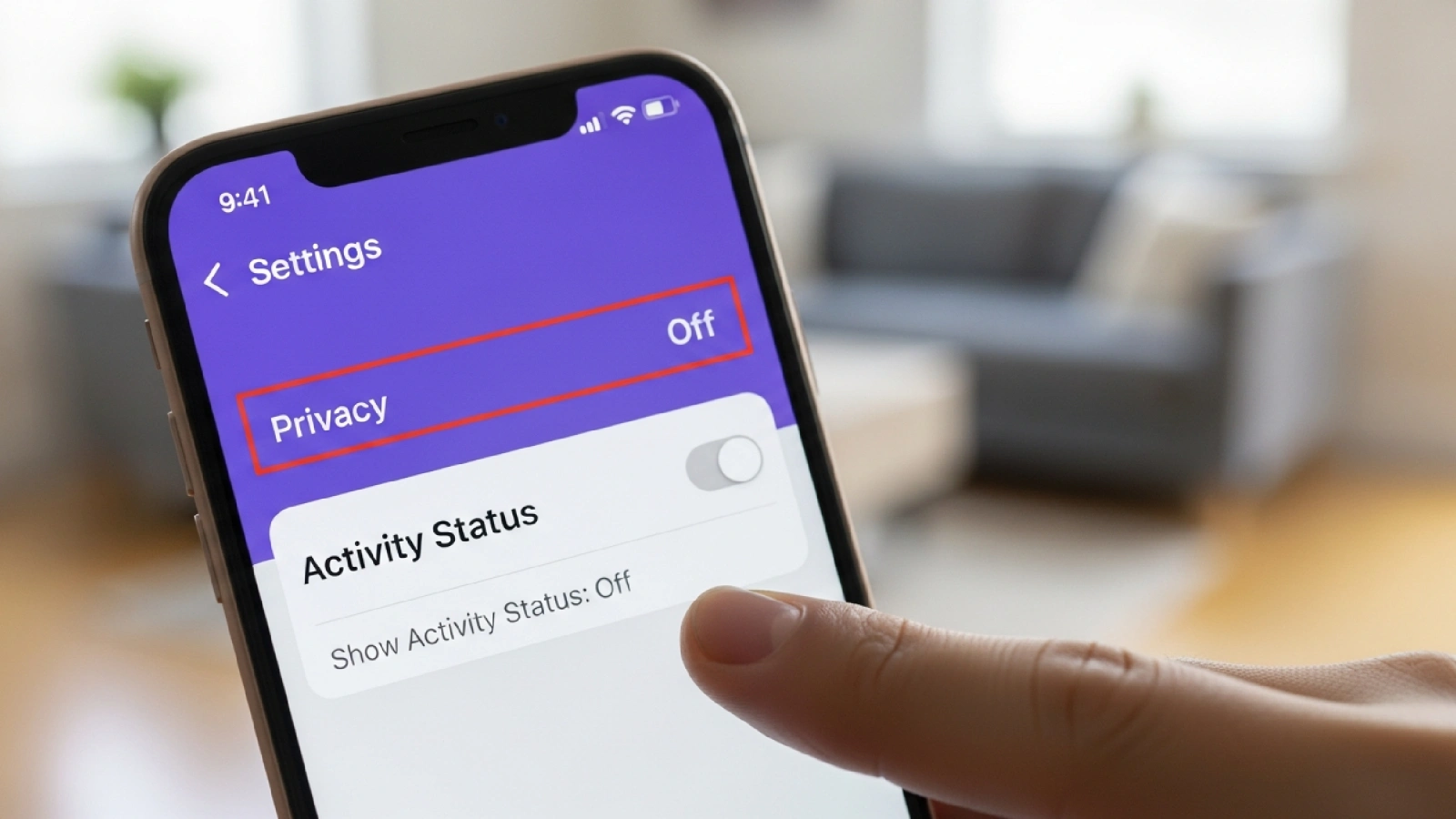
Instagram’s Active Status does what its name suggests: it informs your friends and followers of your current activities and if you are currently online. This is usually denoted by a green circle next to one’s profile picture or an Active Now status in direct messages DMs. Turning off this option may be vital to some in order to ensure that they remain undisturbed as they carry out their activities. This article provides a step-by-step procedure on how to disable active status on Instagram, on a mobile application, or on a desktop.
Why Hide Active Status?
If turned on, Instagram’s active status feature can inform followers of you when you are online. Such a feature may cause annoying interruptions or create the burden of giving real-time responses. Turning off your active status allows for more privacy and control over your social media activities online.
Steps to Hide Active Status on Mobile
Now, let’s look at the steps to hide the active status of Instagram on mobile.
Step 1: Open your Instagram profile: Open the app and tap on your profile picture icon on the bottom right of the app to reach your profile.
Step 2: Access the menu: Once in the profile, you will find a three-line menu or a hamburger menu on the top left-hand side of the app. Click on that to access the control menu.
Step 3: Navigate to Settings: Select the settings option, and from there, go to the privacy settings.
Step 4: Select Activity Status: Toggle it off. Once in the privacy setting, you’ll find the option, namely Show Activity Status. Now, turn it off.
Steps to Hide Active Status on Desktop
The step to hide the active status of Instagram on the desktop is exactly the same as on mobile. Moreover, if you change your active status on one device, it will automatically be updated across all the other devices where your account is logged in. You don’t need to change the settings individually for every device.
One thing to remember is that once you turn off your active status, you won’t be able to see other people’s active status when they are online.
How to Turn Off Read Receipts on Instagram
In 2024, Instagram gave users the option to turn off the read receipts of any chat. This way, you can prevent others from knowing that you have seen their messages. However, this update is only for beta users, which means it is not available to everyone. So, for some of you, this feature still hasn’t come. To check whether you have this update or not, follow these steps.
Step 1: Open Instagram DM: On Instagram DM, open the chat for which you want to turn off read receipts.
Step 2: Access Chat Settings: Open the chat settings by clicking on the user name of the person at the top of the chat.
Step 3: Privacy and Security Settings: Open Privacy and Security Settings, and there you’ll find the option to turn off read receipts.
The read receipts on Instagram work in the same way as WhatsApp. It adds another layer of privacy; however, it’s a two-way street. Once you turn off the read receipts, you won’t be able to see whether the other person has read your text.
Benefits of Hiding Active Status
- Increased Privacy: By hiding your Instagram active status and turning off read receipts, you get more control over your privacy. This way, you can browse at your own convenience without worrying about replying to anyone.
- Reduced Pressure: By turning off your active status, you don’t have the pressure of replying immediately. You can take your sweet time. Moreover, with read receipts off, you read your messages without anybody knowing.
- Focus on Tasks: With no active status, you can fully enjoy your time on Instagram without the pressure of being seen as active.
FAQs
- Can I hide my active status on Instagram from one person?
No, Instagram active status doesn’t turn off for a single person; it only turns off for your whole profile. If you want to target a specific account, then you should use a restrict user function as this way, only that person won’t be able to see your active status. - Will I still receive messages if I turn off active status?
Yes, turning off active status has no impact on your messaging. You’ll still receive messages even after you turn off active status. Only your activity and online status are turned off - Does turning off active status affect visibility on other features?
Turning off active status only impacts your activity visibility. You can still use all other features like messaging, commenting, and posting without restrictions.
Turning off the active status on Instagram has the advantage of providing users with more privacy and eliminating the need for immediate responses. Regardless of the purpose of the Instagram account, be it for leisure, work, or promoting a certain brand, one should always be cautious with their personal information. To ensure full privacy, look into other options, such as restricting users, turning off read receipts, and limiting who can see your story.
With these steps, you can have fun with Instagram without the overstress of being active all the time or the trouble of attending to every engagement within seconds.