
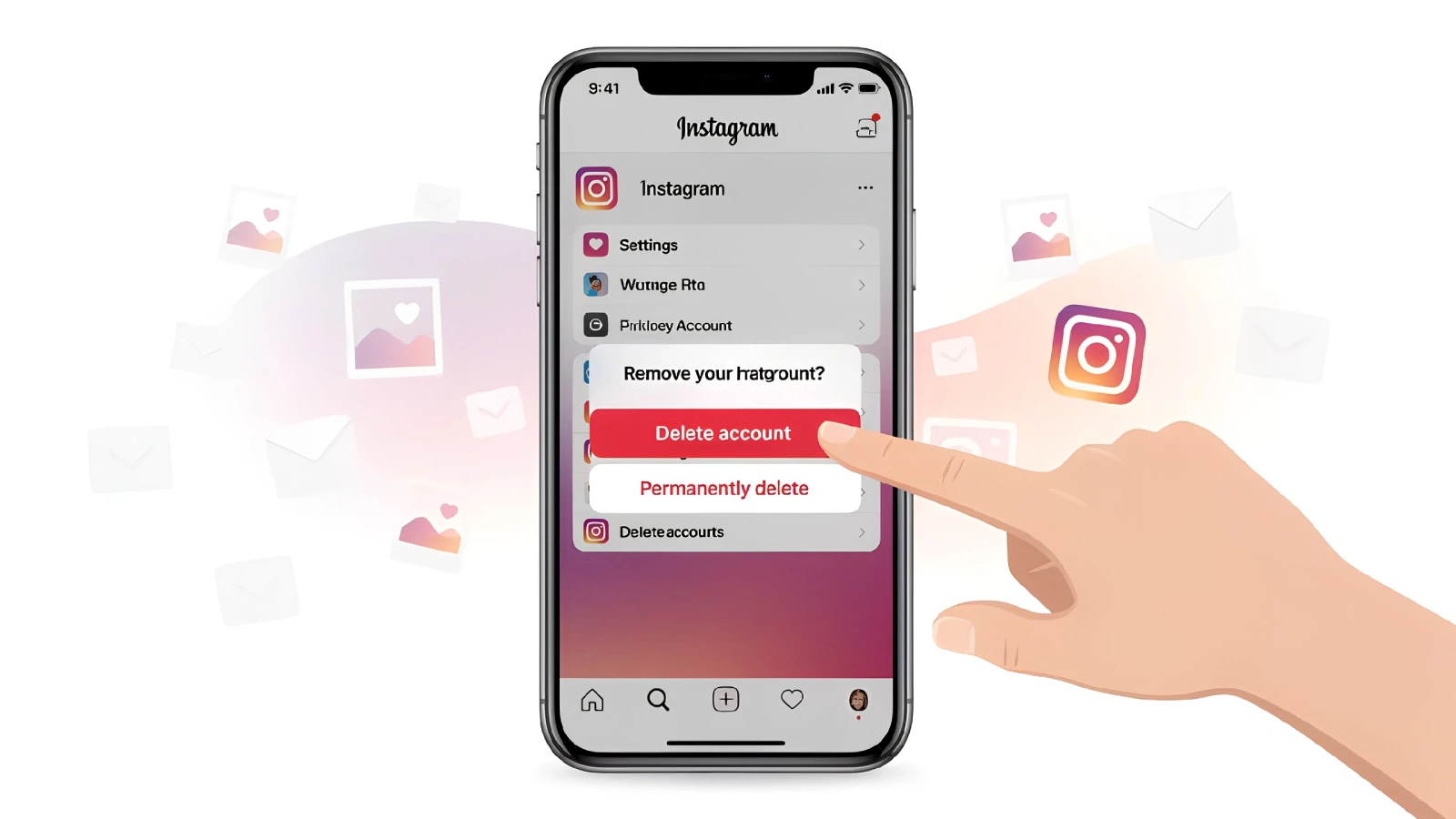
Instagram can be quite overwhelming, and thus, one may desire to take a break or completely quit it. In this case, deactivating or deleting one’s account can be a viable alternative. In this blog today, we’ll learn how to remove your Instagram account permanently or temporarily disable it, as well as how to restore the account if you change your mind.
Temporary vs. Permanent Deactivation: Which is Right for You?
There are a few things that you need to consider before you decide whether you want permanent deletion or a temporary deactivation.
- Temporary Deactivation doesn’t lead to you losing all your posts, followers, chats and other user data. It is a great way to take a break, as once you come back, you’ll find things the same as you left.
- Permanent Deletion, on the other hand, deletes all your data from Instagram servers permanently and gives you only 30 days to reactivate your account.
How to Remove Instagram Account Permanently
If you truly want to part ways with your Instagram account, then follow these steps.
Step 1: First, log into your Instagram account and tap on the profile photo in the options bar below to access your profile.
Step 2: Once you’re in your profile, click on three lines on the right corner of your profile. After that, click on more options.
Step 3: From there, click on the account centre option and select the privacy option.
Step 4: From there, you’ll find the option for Account ownership and control. Click on it and then find Deactivation or Deletion.
Step 5: Once you click on Deactivation or deletion, select the account that you’d like to delete permanently.
Step 6: After that, click on delete account and then continue.
Now, the thing to remember here is that once you delete your Instagram account, you’ll lose access to all of your photos, videos, comments, and followers, so take this step after due consideration. Instagram takes upto 90 days to delete all of your information from their servers. Also, if you have a change of heart and you don’t want to delete permanently, Instagram gives you 30 days. In these 30 days, you can restore your account at any time just by logging into it.
How to Temporarily Deactivate Instagram Account
If you have your exams or simply want to take a break from social media, temporarily deactivating your Instagram account is a great option. Below are the steps that you can follow to do the same.
Step 1: First, access your profile by clicking the little profile icon on the bottom right corner of your Instagram UI.
Step 2: Once you have opened your profile, click on three lines in the top right corner of the UI, and after that, click on more options.
Step 3: From there, click on Account Centre and select privacy
Step 4: Now click on Account Ownership and Control, then tap Deactivation or Deletion. From there, select the account that you want to deactivate temporarily.
Step 5: Click on Deactivate account and then tap Continue.
Step 6: Then you’ll be asked to enter your password; after entering the password, click on continue.
Step 7: Select the reason for deactivating the account and then click on Deactivate Account.
After deactivating Instagram accounts, your followers will not be able to see you or be able to search and find your account. Your profile, photos, comments, and likes will be hidden until you reactivate your account by logging in again. There is no time to log in; you can reactivate it anytime you want.
How to Reactivate Instagram Account
If you have temporarily deactivated your Instagram account and would like to come back, reactivating your Instagram account is a straightforward process. You only need to log in with your correct details, be it through an app or website, and your previously deactivated account will be restored. Everything, including the contents of the account as well as the number of followers, will be back to normal. Just ensure that you have the right username and password.
Why Choose to Remove, Deactivate, or Reactivate?
Arguably, the most common reason why people decide to delete or deactivate their Instagram accounts is to take a break from social media, to privacy concerns, or to concentrate on mental health. Deactivating is a way of temporarily going away, while deletion is recommended for people who wish to part ways permanently.
Important Considerations
- Download Your Data: If you have decided to permanently delete your Instagram account, it is advisable to download all the data of your account before you delete it, as that data contains memories in the form of photos, videos, messages, and more. Instagram allows all its users to download their account data, so make sure to use that, as once you permanently delete your account, then there’s no coming back.
- Reactivation Time Limit: In case of temporary account deactivation, there is no time limit. You can restore your account any time you want. However, if you permanently delete an account, Instagram gives you 30 days to restore it. After that, there’s no chance.
If you wish to remove your Instagram account permanently or temporarily deactivate it, it is important that you choose after due diligence. For instance, one would only deactivate the account when going on a break, while a permanent deletion stands for the final deletion with all data gone. Also, download any important data before permanently deleting your Instagram account.
FAQs
Q1. Can I use the Instagram mobile app to permanently or temporarily delete my account?
This feature was not available in earlier versions. However, with the availability of a meta accounts centre, you can delete your account from the mobile app, too.
Q2. How much time does Instagram take to permanently delete an account?
In case of permanent account deletion, for the first 30 days, Instagram keeps the account in a temporarily deactivated state; after that, it deletes it permanently. You can recover your account within 30 days.
Q3. What happens after I temporarily deactivate my Instagram account?
Once you deactivate your account permanently or temporarily, Instagram hides your profile, posts, comments, and other information. Other people cannot search for you. Once you log back in, everything will go back to normal.
Q4. Can I reactivate a deleted account?
Once you have crossed the 30-day time period, you cannot reactivate your deleted Instagram account.